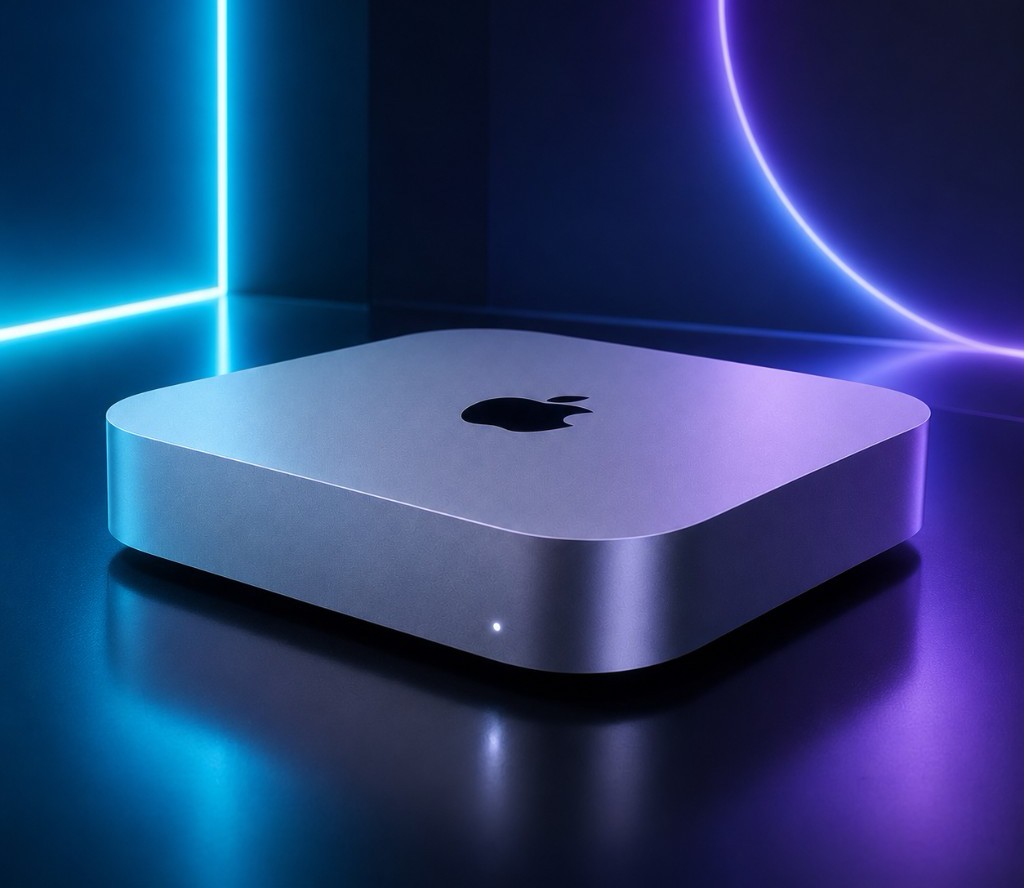
Mac mini
Runs in the Cloud.
Run exclusively on M4 or M4 Pro bare-metal machines, distributed across 5 global data centers. Pay by the day, with automated provisioning and delivery within minutes of order placement.
Find the perfect fit
for your workflow
Solo Developers
No hardware to buy. Choose daily or monthly billing, run Xcode builds or CI pipelines with ease, and pay only for what you use.
Engineering Teams / Enterprise
Orchestrate multiple machines for parallel builds and distributed testing. Use the API for elastic scheduling and on-demand resource release to reduce operational overhead.
Dedicated Technical Support
A dedicated management dashboard backed by an experienced technical team, ensuring your cloud Mac environment closely mirrors a local physical machine.
Choose your dedicated model
M4.Mini
Personal Learning & iOS Starter Dev
- 10-core CPU / 16GB RAM
- 256GB SSD
- Standard Network Priority
M4.S
Professional Dev & Large App Builds
- 10-core CPU / 24GB RAM
- 512GB SSD
- Dedicated Exclusive Bandwidth
M4.Pro
Enterprise CI/CD & High-Performance Video Rendering
- 14-core CPU / 64GB RAM
- 2TB SSD
- High-Speed Direct Line
* All prices exclude tax · Extra storage +1TB $11.7/mo · +2TB $23.4/mo · Cluster interconnect $6.5/mo
Physical performance,
globally accessible.
Physical M4 Dedicated Hardware
Dedicated bare-metal hardware with no virtualization layer and no resource contention. Every bit of Apple Silicon performance is exclusively yours.
1Gbps Fiber Connection
Connected to Tier-1 backbone networks with dedicated 1Gbps bandwidth. SSH and VNC run in parallel for a near-local remote experience.
Hardware-Level Security Isolation
Each device is physically isolated with strict data separation across machines. Combined with ISO-certified data center infrastructure, your workloads get the highest level of security.
Years in Operation
Enterprise & Dev Teams
Total Instances Deployed
Service Availability

Connect nearby,
ultra-low latency worldwide.
Four steps to go live fast
Choose a Model
Select M4 or M4 Pro, configure storage capacity, and set your billing cycle.
Register & Pay
Create an account and choose a payment method — fully online, no manual review required.
Automated System Setup
The system automatically allocates a dedicated instance and completes environment setup, typically within minutes.
Connect & Use
Log in remotely via SSH or VNC and immediately run Xcode, CI/CD, or any development workflow.
Full spec comparison
| Model | Core Specs | Use Case | Network Speed |
|---|---|---|---|
| Mac mini M4 | 10C CPU / 10C GPU / 16GB RAM | Personal Dev | 1 Gbps |
| Mac mini M4 | 10C CPU / 10C GPU / 24GB RAM / 512GB | Mid-Scale Projects | 1 Gbps |
| Mac mini M4 Pro | 14C CPU / 20C GPU / 64GB RAM / 2TB | Team Deployment | 1 Gbps |
Frequently asked questions
How do I access the cloud Mac's graphical desktop via VNC?
VNC lets you control your cloud Mac's graphical desktop directly from your local screen. First, go to your order details page to get the VNC connection info, including server IP, port, and credentials.
On Mac: Open Finder, click Go → Connect to Server from the top menu, enter vnc://server-ip:port, click Connect, and enter your password to access the remote desktop.
On Windows: Download and install RealVNC Viewer or TightVNC, create a new connection with the server address and port, and enter your password when prompted.
We recommend saving your credentials on first login for quick reconnection later. VNC supports full remote desktop control, bidirectional file transfer, and clipboard sync.
How do I connect to my cloud host via SSH?
SSH is the most efficient way to manage a remote server, especially for automation scripts and bulk operations. Find your order in the console and note the host IP, SSH port, username, and password.
Open a local terminal and run: ssh -p SSH_PORT username@host_ip. On first connection, confirm the host fingerprint by typing yes, then enter your password to log in.
The platform supports both password and key-based authentication. We recommend setting up SSH keys for better security — use ssh-copy-id to upload your public key to the server. The default port is 22; some nodes use non-standard ports for security reasons.
Are these real physical machines or virtual instances?
All our services run on real Mac mini physical machines — no virtualization, no resource pooling, no sharing of any kind. Each user has full hardware ownership and complete OS-level control. CPU, memory, and storage are exclusively yours, unaffected by any other user's workloads. This physical isolation architecture provides the highest level of data security and business stability.
Everything's ready. Just start.
Over 1,000 developers have already powered their work with dedicated Apple Silicon cloud compute on zulcloud.